
The landscape of software development has shifted significantly toward AI-native workflows and high-performance hardware optimization. Whether you are a student on a budget or an enterprise architect, choosing the right environment is critical for productivity.
For most developers in 2026, Visual Studio Code remains the standard for general-purpose work due to its ecosystem. However, Cursor has emerged as a top choice for those seeking integrated AI capabilities, while Zed stands out for its remarkable speed. Java developers typically find IntelliJ IDEA to be the most robust option for enterprise-scale refactoring.
In 2026, the distinction between a "lightweight" text editor and a "heavyweight" Integrated Development Environment (IDE) is more nuanced than ever. Historically, an IDE like Visual Studio or IntelliJ IDEA provided everything out of the box—compilers, debuggers, and GUI builders—at the cost of significant system memory. Text editors like Sublime Text or Vim were prized for their speed and simplicity, requiring manual configuration for advanced features.
The current market shift is defined by the AI-Native transition. Modern editors now include deep Large Language Model (LLM) integration, blurring the lines. When selecting your software, consider these three primary filters:
According to recent industry analysis, the choice often comes down to the size of the codebase. For microservices and web scripts, a fast editor is often preferred. For monolithic enterprise applications, the deep indexing capabilities of a full IDE are frequently necessary for maintaining code quality.
Visual Studio Code (VS Code) continues to dominate the developer landscape, maintaining a 75.9% adoption rate as of recent 2025/2026 surveys (Source 2). Its success is not due to being the fastest or most feature-rich tool out of the box, but rather its versatility.
VS Code functions as a chameleon. By default, it is a relatively lightweight editor. However, through the VS Code Marketplace, it can be transformed into a powerhouse for almost any language. Whether you are writing Rust, Go, or React, there is a verified extension to provide syntax highlighting, linting, and debugging support. This modularity allows developers to build a custom environment that fits their specific hardware constraints.
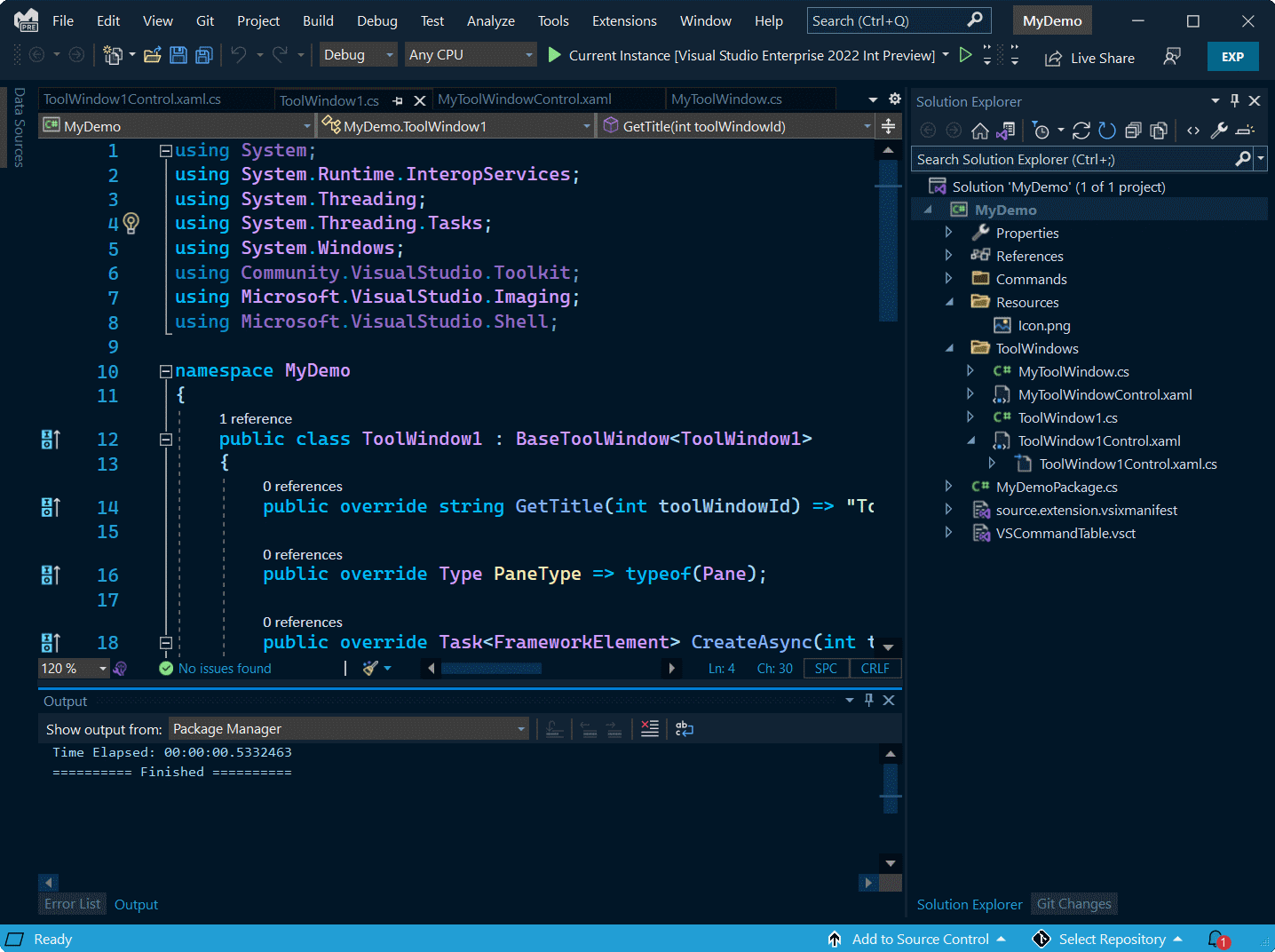
Despite its popularity, VS Code has faced scrutiny regarding privacy. By default, the software collects telemetry data to help Microsoft improve the product. For developers in highly regulated industries or those who prioritize data sovereignty, this is a notable consideration. Many privacy-conscious users have moved toward VSCodium, an open-source, telemetry-free binary of VS Code that maintains compatibility with most extensions.
The most significant advancement in recent years is the emergence of editors built specifically to work alongside AI. While VS Code uses AI as a plugin (GitHub Copilot), new contenders are integrating LLMs into the very core of the editing experience.
Cursor has seen a rapid 17.9% adoption rise (Source 2). Unlike traditional editors, Cursor is a fork of VS Code that treats the AI as a first-class citizen. It doesn't just suggest the next line of code; it can index your entire repository, allowing you to ask questions like "Where is the authentication logic handled?" or "Refactor this entire folder to use the new API pattern." This shifts the developer's role from "writing" to "auditing and directing" code.
For those who find VS Code sluggish, Zed has emerged as a top-tier alternative. Built in Rust by the original creators of Atom, Zed is designed for performance. It leverages the GPU for rendering, making it one of the fastest mainstream editors available today (Source 6). While it currently lacks the massive plugin library of VS Code, its built-in features for real-time collaboration and AI integration make it a compelling choice for performance enthusiasts.
When it comes to large-scale enterprise development, particularly in the Java ecosystem, specialized IDEs still hold a significant edge. The complexity of managing thousands of classes and deep dependency trees requires tools that understand code structure, not just text.
IntelliJ IDEA remains the dominant force for Java, with 84% of Java developers preferring it over other tools (Source 2). Its "Inspect and Transform" features provide automated refactoring that few other tools match. It can identify dead code, suggest modern syntax improvements, and handle complex migrations across an entire project with high reliability.
The primary drawback of IntelliJ and similar JetBrains tools (like PyCharm or WebStorm) is their resource consumption. These are memory-intensive applications. Running IntelliJ IDEA on a machine with only 8GB of RAM can lead to significant slowdowns during project indexing. For professional use in 2026, a minimum of 16GB of RAM is highly recommended to leverage the full suite of productivity features these IDEs offer.
Not every developer has access to the latest high-end workstations. For students, hobbyists, or developers in regions where hardware costs are prohibitive, lightweight software is essential.
Vim and its modern fork, Neovim, are widely regarded as some of the most efficient tools for coding on any hardware. Because they run in the terminal, they use a fraction of the resources required by a GUI-based editor. While the learning curve is steep—relying entirely on keyboard shortcuts—the speed of navigation and editing is exceptionally strong once mastered.
Geany is a small and fast IDE that is often overlooked. It is particularly valuable because it has been translated into over 40 languages, making it accessible to a global audience (Source 3). It provides basic IDE features like syntax highlighting and code folding without the bloat, making it a top choice for older Windows machines or Linux distributions running on modest hardware.
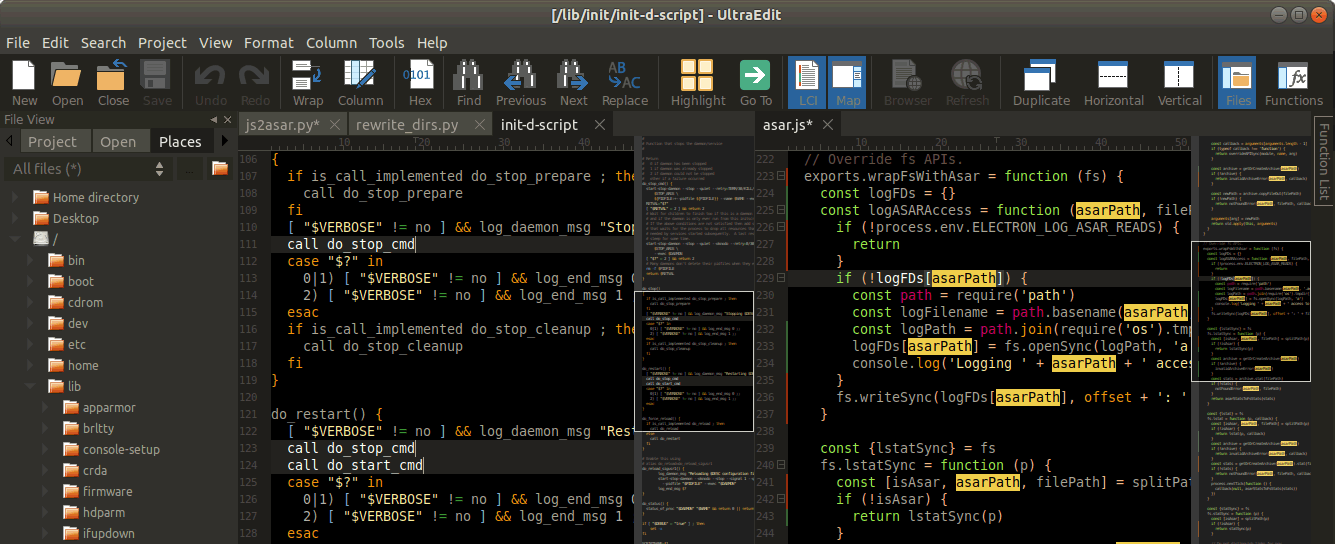
Windows remains a primary platform for both enterprise .NET development and high-end web design. Several tools have carved out specific niches in this environment.
The idea of "coding on an iPad" has moved from a novelty to a viable workflow for many developers in 2026. Mobile hardware has become powerful enough to handle complex text processing and remote server management.
Textastic is one of the most capable code editors for iOS. It supports syntax highlighting for over 80 languages and integrates seamlessly with Git and SFTP. When paired with a Magic Keyboard, it turns a tablet into a highly portable workstation for web development and scripting (Source 6).
For Android users, Acode is a powerful, open-source editor that brings a VS Code-like experience to mobile devices. It supports plugins and provides a terminal interface, allowing developers to manage web projects directly from their phones or tablets.
Choosing the right software is only half the battle; using it effectively to write clean code is what separates experts from beginners. Modern IDEs provide tools to implement advanced refactoring patterns automatically.
Expert advice suggests that when refactoring complex logic, you should always start from the "deepest point"—the most nested if/else statements or loops (Source 7). By simplifying the innermost logic first, the surrounding code often becomes much easier to clean up. Most modern IDEs like IntelliJ and VS Code allow you to "Extract Method" to help with this process.
A common sign of amateur code is the use of "magic numbers"—hardcoded values like 250 or 0.05 that have no context. You should use your IDE's refactoring tools to extract these into named constants, such as MAX_ROOM_CAPACITY or TAX_RATE. This significantly improves readability and maintainability.
| Software | Primary Use | RAM Impact | AI Capability | Price |
|---|---|---|---|---|
| VS Code | General Purpose | Moderate | High (via Plugins) | Free |
| Cursor | AI-First Coding | Moderate | Native / Deep | Free / Paid Tier |
| IntelliJ IDEA | Java / Enterprise | High | Moderate | Freemium / Paid |
| Zed | High Performance | Low | Native / Fast | Free |
| Vim / Neovim | Terminal / Speed | Very Low | Plugin-based | Free |
For machines with limited RAM (4GB or less), Geany and Vim are top choices. Geany provides a graphical interface with very low overhead, while Vim runs entirely in the terminal, making it exceptionally light. These tools allow you to code without the system lag often caused by modern, Electron-based editors like VS Code.
Engineers at major tech firms typically use a mix of tools depending on the project. While many use VS Code or IntelliJ IDEA, they often rely on internal proprietary tools for version control and build management. For systems-level programming, keyboard-centric editors like Vim or Emacs remain popular for their speed and remote editing capabilities.
VS Code is often recommended for beginners because it is less overwhelming than a full IDE. It allows you to start with a simple text editor and gradually add features as you learn. A full IDE like Visual Studio or IntelliJ can be intimidating due to the hundreds of buttons and complex configuration options that a student might not yet need.
As of 2026, Cursor is widely considered a top choice for AI integration because it is built specifically to leverage LLMs across your entire codebase. While VS Code offers strong AI features through the GitHub Copilot extension, Cursor's native integration allows for more complex tasks, such as multi-file refactoring and natural language repository queries.
Yes, professional coding on an iPad is possible, especially for web development and DevOps. Apps like Textastic and Working Copy (for Git) provide a robust local environment. Additionally, many developers use their iPads to connect to powerful remote servers via SSH or tools like GitHub Codespaces, effectively using the tablet as a portable terminal.
Selecting the right programming software is a balance between your hardware capabilities, your language requirements, and your personal workflow preferences.
The most effective software is ultimately the one that stays out of your way and helps you ship clean, functional code faster.
All trademarks, copyrighted content, and quoted material referenced in this article belong to their respective owners. Brief excerpts are used under fair use (17 U.S.C. § 107) for purposes of commentary, criticism, and informational reporting. This article is not affiliated with or endorsed by Microsoft, JetBrains, or other mentioned software providers.
