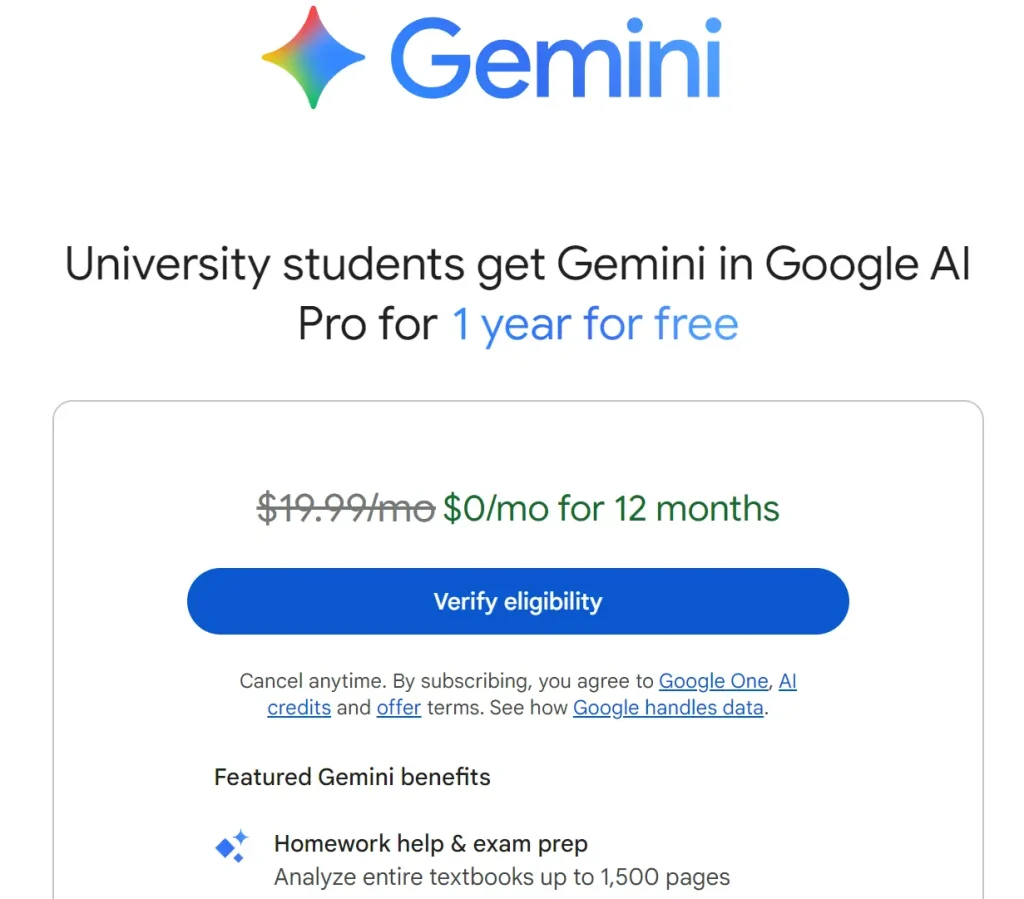
Image source: AI Image to Video
As of June 2026, eligible higher education students can claim a 12-month free bundle that includes Gemini Advanced (Pro tier), access to the Veo 3 / Gemini Omni video generation models, and expanded Google One storage (typically 2TB or 5TB depending on the region). To claim the offer, you must visit the official Gemini for Students portal, log in with your personal Google account, and upload a valid university enrollment document for manual verification. Approval generally takes up to 48 hours.
The student bundle is designed to provide academic users with access to Google's premium artificial intelligence suite without the standard $20 monthly subscription fee. This package is widely regarded as one of the most comprehensive AI toolsets available for higher education, combining advanced reasoning with heavy-duty cloud storage.
When your student status is verified, your standard Google account is upgraded to the AI Pro tier. This unlocks several distinct capabilities:
| Feature | Standard Free Gemini | Student AI Pro Bundle Pro |
|---|---|---|
| Core Model | Gemini Flash (Optimized for speed) | Gemini Pro (Optimized for complex reasoning) |
| Video Generation | None / Basic Image Only | Veo 3.1 / Gemini Omni Access |
| Cloud Storage | 15 GB Default | 2 TB to 5 TB (Region dependent) |
| Context Window | Standard (approx. 32k tokens) | Massive (up to 2M tokens) |
| Priority Access | Standard queue during peak hours | Priority processing and faster response times |
Google uses a third-party verification service (often SheerID) to confirm academic enrollment. Because the value of the AI Pro bundle is substantial, the verification process is strict and requires specific documentation. Follow these steps to ensure a smooth approval process:
A common frustration among applicants is getting stuck in the "pending verification" loop. While Google states the process takes up to 48 hours, many students report waiting up to a week. If your application is delayed or rejected, it is typically due to one of several common pitfalls.
The automated systems that pre-screen documents frequently reject uploads for minor discrepancies. The most common issue is a name mismatch. The name on your Google account must exactly match the name on your academic document. If your Google account uses a nickname (e.g., "Alex" instead of "Alexander"), the system will flag the application for manual review, significantly delaying the process.
Additionally, physical student ID cards are frequently rejected if they lack an explicit expiration date or a printed academic year. Many universities issue ID cards without dates, making them invalid for this specific promotion.
Community Tip: If your physical ID card is rejected, do not try to upload it again. Instead, log into your university's student portal and download an official Letter of Enrollment or a current semester tuition receipt. These PDF documents contain all the necessary metadata (dates, official letterheads, full names) and are approved much faster than photographs of plastic ID cards.
If you are specifically looking for "Veo 3" to generate videos for your academic projects, you might be confused by the interface once your student account is activated. It is important to understand Google's current naming conventions to locate the tools you need.
Veo 3.1 is the technical name of the underlying generative model architecture developed by Google DeepMind. If you are a computer science student accessing the developer backend via Google AI Studio, you will see the model listed explicitly as Veo 3.1.
However, for users interacting with the consumer-facing chatbot interface, Google has rebranded these capabilities under the Gemini Omni umbrella. When you type a prompt like "Generate a cinematic video of a cell dividing" into the standard app, the system routes that request through the Veo 3 architecture, but the interface will refer to the feature as Gemini Omni.
According to DeepMind's technical specifications, the current iteration available to students offers significant advancements over previous generations. The model supports native audio integration, meaning it can generate synchronized soundscapes alongside the video output without requiring a separate audio generation step. Furthermore, it excels at "photo-to-video" remixing, allowing students to upload a static image (like a historical photograph or a hand-drawn storyboard) and animate it with specific directional prompts.
One of the most popular, yet somewhat hidden, features accessible through the student bundle is a specialized image processing model colloquially referred to in student communities as the "Nano Banana" tool. This specific model pipeline is highly optimized for facial preservation and professional image remixing.
Many students use this capability to generate professional LinkedIn headshots or portfolio images without paying for a professional photographer. Here is a reliable workflow to achieve high-quality results:
Computer science and engineering students often attempt to use their new AI Pro status to build custom applications using the Gemini API. However, a frequent issue arises where the API returns an HTTP 429 "Resource Exhausted" error, or shows a strict "0/2 limit" for Veo 3.1 generation requests.
This occurs due to what developers call the "Quota Trap." As discussed in the Google Developer Forums, the student subscription primarily applies to the consumer-facing Gemini application. The developer API (accessed via Google AI Studio or Google Cloud) operates on a separate billing infrastructure.
If your API key is not recognizing your Pro status, you must ensure your Google Cloud project is correctly linked to the billing account associated with your student offer. In many cases, the free student tier does not grant unlimited API calls for heavy models like Veo 3.1. If you hit the API rate limit, the most reliable workaround is to shift your video generation tasks back to the consumer Gemini app interface, which operates under the more generous consumer Pro quota rather than the strict developer API limits.
Beyond simply asking questions or generating code snippets, the combination of Gemini Pro and the Omni video features opens up highly effective workflows for academic success. By stacking Google's various AI tools, students can create comprehensive study systems.
One of the most effective ways to utilize your student bundle is by combining it with Google's NotebookLM. First, upload your dense academic PDFs (like research papers or lecture transcripts) into NotebookLM to generate a concise, accurate summary script. Next, take that script and paste it into Gemini Omni with the prompt: "Turn this research summary into a visual presentation script, and generate three 5-second video clips that illustrate the core concepts." This workflow transforms static reading material into dynamic, visual study aids.
The massive context window of the Pro model is ideal for exam preparation. You can upload an entire semester's worth of lecture notes and ask the model to generate a comprehensive set of active recall questions. Because the Pro model is highly capable of complex reasoning, it can identify the overarching themes of the course rather than just pulling surface-level vocabulary words.
For film, animation, or marketing students, the photo-to-video capabilities of the Omni model serve as an excellent pre-visualization tool. Instead of spending hours drawing detailed storyboards, students can sketch rough compositions, upload them to the model, and generate short video clips to demonstrate camera movement, lighting changes, and scene pacing to their professors or project groups.
The 12-month Gemini Pro and Veo 3 student bundle provides exceptional value, offering access to enterprise-grade AI tools and substantial cloud storage at no cost. By understanding the verification requirements and the technical nuances of the platform, you can significantly enhance your academic workflow.