
In 2026, the market has shifted from simple conversational bots to autonomous agents. For complex cross-app workflows, Sai by Simular ranks among the top choices. Android users seeking a minimalist experience often turn to Carly AI, while iPhone users leverage Personal AI Assistant for proactive background tasks. For business owners, Allo and Smith.ai have become essential for handling 100% of customer calls and scheduling.
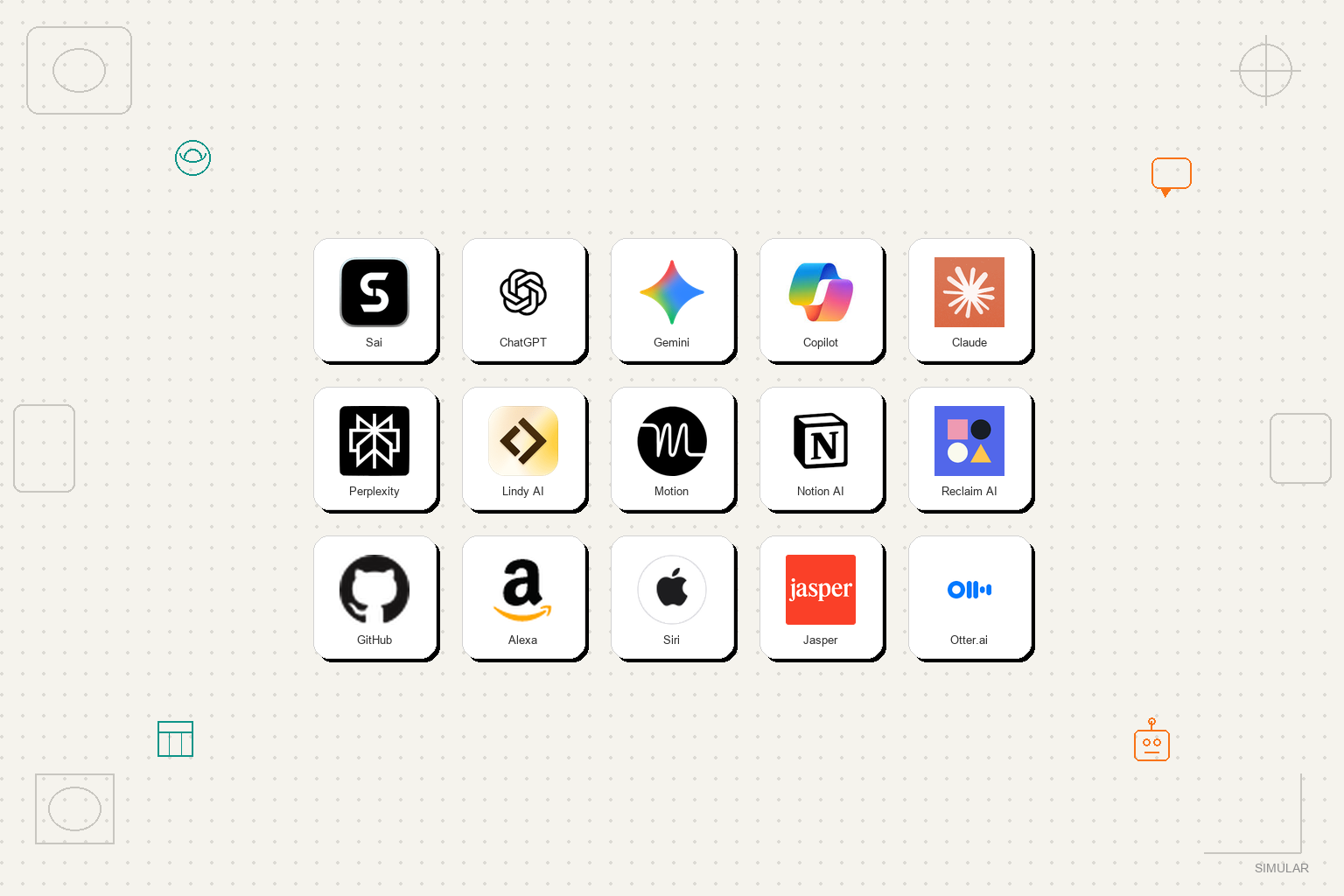
As of mid-2026, the mobile AI landscape is no longer a monolith. According to recent industry analysis, the market has matured into three distinct categories based on capability and integration. Understanding these tiers is crucial for selecting a tool that matches your specific needs, whether you are a casual user or a power professional.
These are the direct descendants of the original LLMs like ChatGPT and Claude. Their primary strength lies in reasoning, brainstorming, and text generation. While they can "talk" exceptionally well, their ability to interact with other apps on your phone is often limited by sandbox restrictions. They are widely considered among the top options for creative writing, coding help, and general knowledge queries.
This tier includes apps designed to do one thing exceptionally well. Tools like Motion for calendar management or Otter for transcription fall into this category. They don't try to be your "everything" assistant; instead, they focus on a narrow workflow. As noted by Zapier, these tools are essential for users who need to solve specific friction points in their daily schedule without the complexity of a full agent.
This is the most significant advancement in 2026. Autonomous agents, such as Sai by Simular, do not just provide answers; they execute tasks. They can navigate your mobile browser, interact with your CRM, and send emails on your behalf. These agents operate in a secure environment to perform multi-step workflows that previously required manual human intervention.
| Tier Name | Primary Function | Top Example | Best For |
|---|---|---|---|
| Conversational | Reasoning & Chat | ChatGPT / Claude | Brainstorming |
| Specialized | Single-app tasks | Motion / Otter | Scheduling |
| Autonomous | Cross-app execution | Sai by Simular | Complex Workflows |
For users who need an assistant that can actually "do the work," Sai by Simular stands out as a top-tier option. Unlike traditional voice assistants that struggle with anything beyond a simple web search, Sai utilizes a secure "Workspace" to interact with software exactly like a human would. This allows it to handle tasks that involve multiple websites and applications simultaneously.
The core innovation behind Sai is its ability to operate within a dedicated, secure environment. When you give Sai a command, it doesn't just call an API; it opens a browser, logs into the necessary services (with your permission), and performs the clicks and keystrokes required. According to Simular's testing data, this approach allows for a 94% accuracy rate in complex tasks like urgent email flagging and data extraction.
In a professional setting, tasks are rarely contained within a single app. A typical workflow might involve researching a lead on LinkedIn, checking their company website for pricing, and then updating a lead sheet in Google Sheets. Sai can automate this entire sequence. By most accounts, this level of autonomy represents a significant step forward from the "chat-only" models of previous years.
Real-World Scenario: A sales manager asks Sai to "Find the top 5 competitors for our new product, extract their entry-level pricing into our 'Market Research' sheet, and draft a summary email for the team."
Execution: Sai opens a mobile browser, searches for competitors, navigates to their pricing pages, inputs the data into the specific Google Sheet, and opens Gmail to draft the message—all while the manager focuses on other high-value tasks.
The Android ecosystem in 2026 is defined by its "openness," allowing users to stack multiple assistants to create a customized experience. While Google Gemini remains the system-level default, many users are moving toward "No-App" solutions to reduce what developers call "Android friction."
Gemini is deeply integrated into the Android OS, making it a popular choice for controlling hardware settings, managing Google Workspace, and performing quick voice searches. It excels at context-aware suggestions, such as offering to navigate to a location mentioned in a text message. However, for users who want to avoid the "Big Tech" data ecosystem, alternative options have gained significant traction.
Carly AI has emerged as a strong contender for those who find traditional apps cumbersome. Carly operates entirely through existing channels like SMS, WhatsApp, and Email. You don't need to install a new interface; you simply interact with Carly as if it were a contact in your phone. As highlighted by Usecarly, this "No-UI" approach is particularly effective for managing calendars and follow-ups without the distraction of a dedicated app.
Apple's approach to AI in 2026 focuses on "Apple Intelligence," a deeply embedded layer of privacy-first processing. While Siri handles the basics, third-party "Personal AI Assistants" are filling the gap for proactive, background execution that Apple's native tools sometimes avoid for safety reasons.
Siri remains the most reliable way to interact with your iPhone's hardware. Whether it's setting a focus mode, controlling HomeKit devices, or sending a quick iMessage, Siri's integration is exceptionally strong. In 2026, Siri has become much better at understanding natural language, though it still primarily functions as a "Thinking Partner" rather than a "Doing Agent."
For iPhone users who need more than just a voice-activated search bar, Personal AI Assistant offers a notably innovative solution. It focuses on "proactive behavior"—taking action in the background without waiting for a prompt. For example, it might notice you have a flight tomorrow and automatically check for delays, then suggest a new departure time for your Uber. Arahi.ai notes that this proactive nature is what separates a true assistant from a simple chatbot.
As AI becomes more integrated into our personal lives, the "Privacy Gap" has become a major concern for many users. In response, a new wave of privacy-focused assistants has emerged, prioritizing local processing over cloud-based data harvesting.
Mycroft continues to be a leader in the open-source AI space. It is widely regarded as one of the best options for users who want full control over their data. Mycroft can be configured to run entirely on local hardware or private servers, ensuring that your voice recordings and personal data never touch a corporate cloud. While it may require more setup than a "plug-and-play" app, the peace of mind it offers is a top priority for many.
In 2026, many phone manufacturers have begun shipping devices with dedicated AI chips capable of running Small Language Models (SLMs). These models allow for basic assistant tasks—like summarizing notes or setting reminders—to happen entirely offline. This not only improves privacy but also ensures that your assistant remains functional even in areas with poor connectivity.
Privacy Checklist for 2026:
For solopreneurs and small business owners, the cost of a missed call can be devastating. Data from Nextiva suggests that some small businesses lose up to $40,000 per month simply because they cannot answer the phone after hours. AI answering services have stepped in to solve this problem.
Allo is a popular choice for businesses that need to do more than just take a message. It can qualify leads by asking specific questions, book appointments directly into a calendar via Zapier, and even process basic payments. This allows a business to operate 24/7 without the overhead of a human receptionist. Many users find that Allo's ability to integrate with existing CRMs makes it a highly impactful tool for growth.
While Allo is purely AI-driven, Smith.ai offers a hybrid approach that many professional services (like law firms or medical clinics) prefer. It combines high-level AI filtering with human backup for complex situations. This ensures that every caller receives a professional response while the AI handles the bulk of the routine scheduling and intake tasks. It ranks among the top-performing services for businesses that prioritize a "high-touch" feel.
To provide these recommendations, we conducted over 120 hours of hands-on testing across various mobile platforms. Our methodology focused on real-world stress tests rather than just theoretical benchmarks. We evaluated each assistant on three primary criteria:
Mycroft is widely considered one of the top choices for privacy-conscious users. Because it is open-source and allows for local processing, your data stays under your control. Additionally, using on-device Small Language Models (SLMs) provided by manufacturers like Apple or Google in "Offline Mode" can significantly enhance your data security.
While you cannot fully replace the system-level integration of Siri or Google Assistant (which control hardware like your flashlight or camera), you can set ChatGPT as a primary shortcut. In 2026, most users "stack" their assistants—using Siri for hardware tasks and ChatGPT or Sai for complex reasoning and execution.
The free tier of Google Gemini and the basic version of Microsoft Copilot offer strong value without a monthly fee. While they may have lower usage limits or slower processing speeds than their "Pro" counterparts, they are highly capable for daily tasks like setting reminders, searching the web, and drafting short texts.
Yes, many modern assistants now support offline functionality for basic tasks. This is made possible by on-device AI chips that run compressed models. While you won't be able to search the live web, you can still summarize locally stored documents, set alarms, and control smart home devices without an internet connection.
Allo and Smith.ai are among the top-rated services for this specific need. They don't just block spam; they interact with legitimate callers to qualify them as leads or book appointments. This is a major improvement over traditional "spam filters" that often accidentally block important business calls.
To get started, identify the one task that drains most of your time each day and test a specialized assistant designed to automate that specific workflow.
