Which AI Can Watch and Analyze Videos Without Just Reading Transcripts?
As of 2026, Google Gemini 1.5 Pro stands out as a top choice for native video analysis, capable of processing up to an hour of footage by "watching" visual frames directly. For users needing timestamped verification, ScreenApp is widely considered one of the best specialized tools. Developers seeking deep object recognition typically turn to the Twelve Labs API or Google Video Intelligence, which can identify over 20,000 distinct actions and objects.
For years, "AI video analysis" was a bit of a misnomer. Most tools simply scraped the YouTube transcript, searched for keywords, and summarized the text. If a video was silent or the narrator didn't explicitly describe what was happening on screen, the AI was effectively blind. However, the landscape has shifted significantly with the emergence of Large Multimodal Models (LMMs).
Today, users are no longer satisfied with simple text summaries. They need AI that can identify a specific person in a crowd, detect a safety violation on a construction site, or find the exact moment a drone captures a rare bird in the wilderness. This requires an AI that doesn't just read—it watches.
How Does an AI Actually Watch a Video?
It is important to understand that AI does not "see" a continuous video stream in the same way a human eye does. Instead, the process is a highly sophisticated form of data sampling. When you upload a file to a model like Gemini or GPT-4o, the system breaks the video down into discrete components.
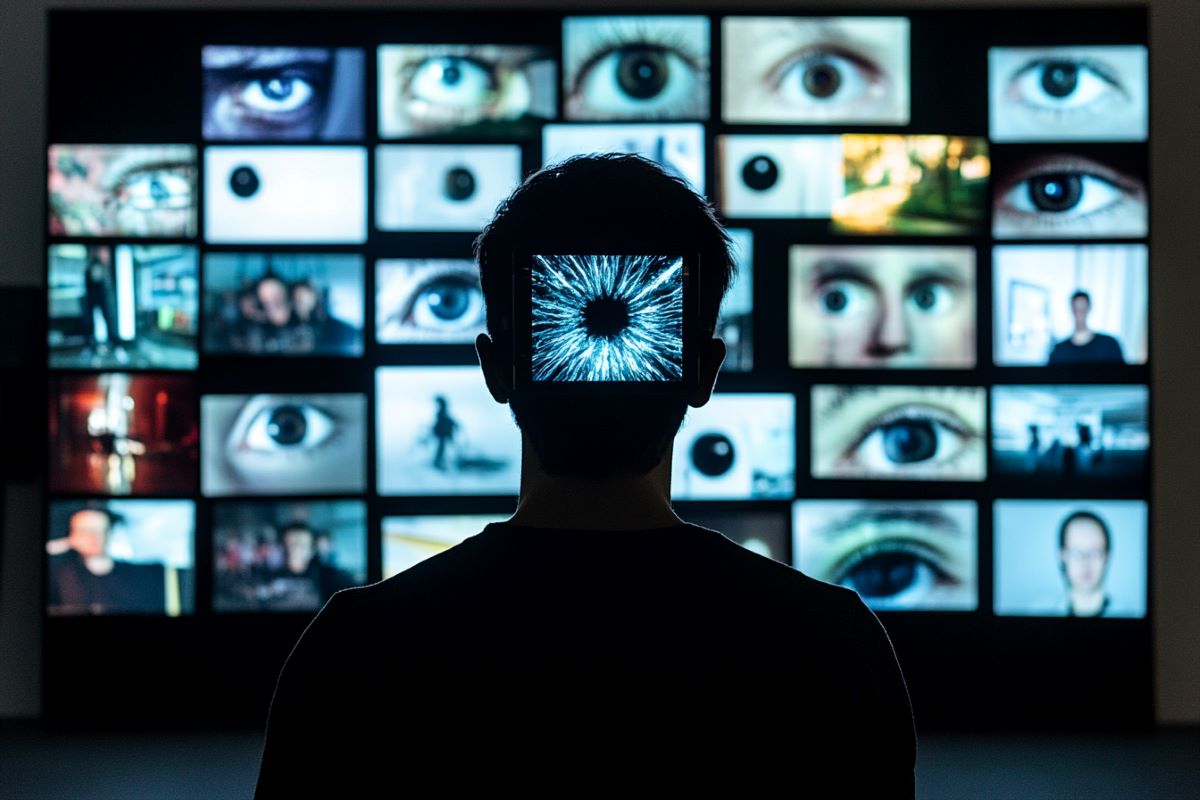
Image source: Neuroscience News
The technical backbone of this process involves two main concepts: Frames and Tokens. A video is essentially a sequence of images (frames) played at high speed. An AI "watches" by extracting these frames at specific intervals—sometimes one frame per second, sometimes more frequently depending on the complexity of the task. These frames are then converted into mathematical representations called tokens.
According to technical documentation from Google Cloud, these models use "Large Visual Memory" to maintain context across these frames. This allows the AI to understand that the person who entered the room at the 0:05 mark is the same person leaving at 0:45, even if they weren't on screen the entire time. This ability to track objects and actions over time is what differentiates true visual analysis from simple image captioning.
Which AI Models Are Among the Top Choices for Watching Videos Right Now?
The market is currently divided between general-purpose chatbots that have added video capabilities and specialized platforms designed specifically for video workflows. Choosing the right one depends heavily on the length of your footage and whether you need a link-based or upload-based solution.
Why Google Gemini 1.5 Pro Leads the Pack for Long Videos
Google Gemini 1.5 Pro is currently a top-performing model for long-form video analysis. Its primary advantage is its massive context window, which supports over 1 million tokens. In practical terms, this means Gemini can "watch" up to an hour of video in a single prompt without losing its place or forgetting the beginning of the clip.
Gemini is also uniquely integrated with the Google ecosystem. You can simply paste a YouTube link into the chat, and the model will access the video data directly. Unlike other models that might struggle with private links, Gemini’s native integration makes it exceptionally strong for research and educational tasks. Many users find that it handles complex reasoning—such as "Explain the physics of the experiment shown at 12:30"—with remarkable accuracy.
How to Use ScreenApp for Timestamped YouTube Analysis
While Gemini is a powerful generalist, ScreenApp has carved out a niche as a specialized interface for video intelligence. It acts as a bridge, allowing users to route their videos through models like GPT-4o or Claude while providing a UI optimized for video.
One of ScreenApp's most useful features is its "Information Gain" timestamping. When the AI answers a question about your video, it provides clickable timestamps. This allows you to verify the AI's claims instantly, which is a significant step forward in reducing the impact of AI hallucinations. It also supports transcription in up to 99 languages, making it a popular choice for international business meetings and global research projects.
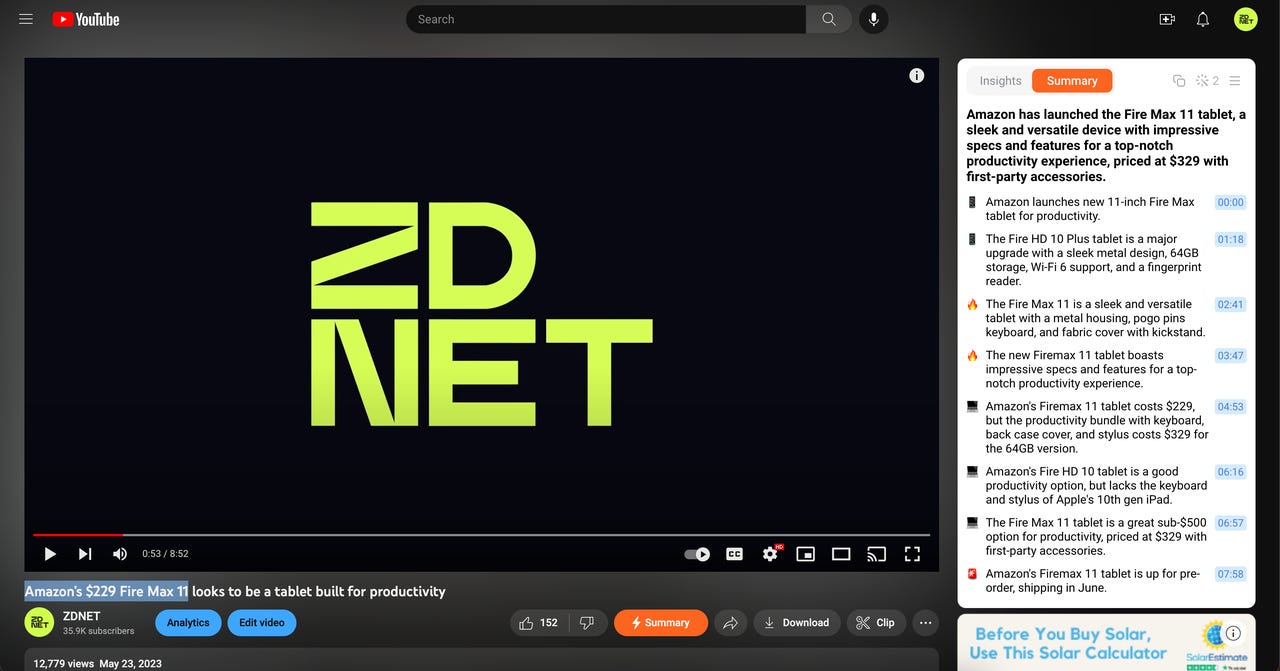
Image source: ZDNET
Can ChatGPT and Claude Actually See Video Pixels?
ChatGPT (specifically the GPT-4o model) and Claude 3.5 Sonnet have made significant strides in visual reasoning. However, their approach to video is slightly different from Gemini's. ChatGPT often requires users to upload a video file directly rather than just providing a link. Once uploaded, it samples frames to perform its analysis.
While ChatGPT is a strong contender for short clips—such as analyzing a 30-second social media ad or a quick bug report for software—it can struggle with very long files due to token limits. Claude, on the other hand, is widely regarded for its nuanced writing and can provide exceptionally detailed reports based on visual inputs, though its native video "watching" features are still evolving in comparison to Google's deep integration.
Twelve Labs and Google Video Intelligence for Developers
For those building their own applications, consumer chatbots are often too limited. This is where developer-focused APIs like Twelve Labs come into play. Twelve Labs uses a proprietary model called "Marengo" that is specifically trained to turn video pixels into searchable, mathematical vectors.
This allows for "semantic search" within video libraries. You could ask the API to "find all scenes where a red car turns left in the rain," and it will return the exact timestamps across thousands of hours of footage. Similarly, the Google Video Intelligence API is a top-tier enterprise tool that can detect over 20,000 objects and actions, making it a standard for media companies and security firms.
How to Choose the Right AI for Your Specific Video Task
Not all video AI tools are created equal. The "best" tool for a university student is rarely the same as the one for a software developer or a security professional. Use the following matrix to narrow down your choices based on your specific requirements.
| Tool Name | Max Length | Visual Analysis | Link Support | Primary Use Case |
|---|---|---|---|---|
| Google Gemini 1.5 Pro | 60+ Minutes | Yes (Native) | YouTube/Drive | Long Lectures & Research |
| ScreenApp | Variable | Yes (Multi-model) | YouTube/Upload | Business Meetings & Timestamps |
| ChatGPT (GPT-4o) | Short Clips | Yes (Frames) | Limited | Creative Analysis & Short Clips |
| Twelve Labs API | Unlimited (Batch) | Yes (Marengo) | API/Upload | Enterprise Search & Devs |
Scenario 1: Summarizing a 2-Hour University Lecture. In this case, Gemini 1.5 Pro is the recommended choice. Its ability to ingest the entire hour of visual and audio data ensures that it won't miss the professor's whiteboard notes at the end of the session.
Scenario 2: Finding a Specific Moment in a Security Feed. Twelve Labs is a top-performing option here. Its semantic search capabilities allow you to describe an event in natural language and find it without watching the footage yourself.
Scenario 3: Creating Social Media Clips from a Podcast. ScreenApp stands out for this task. Its timestamping and transcription features make it easy to identify "viral" moments and export them quickly.
Why Does My AI Say It Cannot Watch YouTube Videos?
One of the most common frustrations users face is receiving an error message like, "I am an AI language model and cannot access external links," even when using a tool that supposedly has that capability. This is rarely a permanent limitation and is usually a fixable technical hurdle.
If you encounter the "I can't watch" error in Gemini, try using Google AI Studio instead of the standard Gemini chat interface. AI Studio gives you more direct control over the model and often bypasses the safety filters that trigger generic refusal messages.
There are three primary reasons for this failure:
- System Instruction Conflict: Sometimes, the AI's internal "safety guardrails" are set too strictly. If the AI thinks the video might contain copyrighted music or sensitive content, it may default to a "refusal" state to avoid potential violations.
- Model Versioning: You might be using an older version of the model. For example, the free version of ChatGPT (GPT-3.5) cannot see images or video, whereas GPT-4o can. Always verify you are on the latest "Pro" or "Advanced" tier.
- Link Accessibility: AI cannot "see" videos behind a login wall. If you provide a link to a private Facebook video, a password-protected Vimeo link, or a private Google Drive file without sharing permissions, the AI will fail.
How to Analyze Silent or Visual-Only Footage Like Drone Clips
Analyzing silent footage is the true test of a visual AI. When there is no transcript to rely on, the AI must rely entirely on its frame-processing capabilities. This is particularly useful for wildlife researchers, construction managers, and drone pilots.
To get the best results with silent footage, you must use a specific prompting strategy. Instead of asking for a "summary," ask the AI to "Create a chronological activity log of all visual changes." This forces the model to look at the differences between frames rather than trying to find a narrative thread that isn't there.
For example, a construction site manager might use this to detect if workers are wearing hard hats. By prompting the AI to "Identify all human figures and flag any without head protection," the model can scan hours of silent CCTV footage and provide a report of safety violations with exact timestamps. This is a significant advancement over manual review, which is prone to human error and fatigue.
Understanding the Token Math Behind Video Analysis
Why do some videos work perfectly while others cause the AI to crash? The answer lies in "Token Math." In the world of Large Multimodal Models, every piece of data—whether text, image, or audio—is converted into tokens. A single hour of video can easily consume 1 million tokens.
If you try to upload a 4K, 60fps video that is three hours long, you will almost certainly exceed the context window of even the most capable models. This leads to the "Context Window Exceeded" error. To avoid this, savvy users employ downsampling. By reducing the resolution of the video to 720p or even 480p before uploading, you can drastically reduce the token count without significantly hurting the AI's ability to recognize objects. Most AI models do not need 4K clarity to understand that a cat is jumping onto a table.
Image source: IdeaRocket
Privacy and Security When Uploading Your Private Videos to AI
When you upload a video to an AI service, you are essentially sending that data to a third-party server. For businesses dealing with sensitive data—such as internal training videos or medical footage—this raises significant privacy concerns. It is vital to distinguish between "Consumer" and "Enterprise" data policies.
Google's consumer Gemini interface, by default, may use your interactions to train its models unless you opt-out. However, using Google AI Studio with a "Pay-as-you-go" API key generally offers better privacy, as data sent via API is typically not used for model training. Always check the specific Data Processing Agreement (DPA) of the tool you are using. If you are using a "wrapper" tool (a third-party site that uses OpenAI's API), you are trusting both the wrapper company and OpenAI with your data.
Frequently Asked Questions
- Can ChatGPT watch a YouTube video directly?
- ChatGPT cannot natively "watch" a YouTube video just by receiving a link in the same way Gemini does. It typically uses its "Browsing" feature to read the video's transcript and metadata. To have ChatGPT perform true visual analysis, you usually need to download the video and upload the file directly to the chat, provided it meets the size limits.
- What is a top-rated free AI for summarizing long videos?
- Google Gemini (formerly Bard) offers a very generous free tier that includes video analysis. For even more power, you can use Google AI Studio, which currently provides free access to Gemini 1.5 Pro with a 1-million-token limit, though this is subject to daily rate limits. It is widely considered one of the strongest free options available for long-form content.
- Can AI identify specific people in a video?
- Yes, but with caveats. Enterprise tools like Google Video Intelligence can perform facial recognition if trained on a specific dataset. However, most consumer AIs like ChatGPT and Gemini have safety filters that prevent them from identifying private individuals to protect privacy. They can, however, identify public figures or describe a person's appearance and actions in detail.
- Is there an AI that can watch a video and write a report?
- Certainly. Both Gemini 1.5 Pro and ScreenApp are designed for this exact purpose. You can prompt them to "Watch this video and write a 500-word executive summary focusing on the financial projections mentioned." They will analyze both the spoken words and the visual charts shown on screen to generate the report.
- Can I use these video AI tools on Android or iPhone?
- Yes, the Gemini app on Android and the Google app on iOS both support video prompting. For other tools like ScreenApp or ChatGPT, you can use their respective mobile apps or access their web interfaces through a mobile browser. Note that uploading large video files may be slower on mobile data compared to a desktop connection.
The Bottom Line
AI video analysis has moved far beyond simple transcript reading. To get the most out of these tools, keep these key takeaways in mind:
- Choose Gemini for Links: If you need to analyze a YouTube video quickly, Google Gemini 1.5 Pro is a top-tier choice due to its native integration.
- Use ScreenApp for Accuracy: When you need to verify facts, ScreenApp provides the best timestamped interface to prevent hallucinations.
- Mind the Token Limit: Remember that 1 hour of video is roughly 1 million tokens; downsample your resolution to save space.
- Prompt for Visuals: For silent footage, specifically ask the AI for a "visual activity log" to bypass the lack of audio.
- Verify Privacy: Always use enterprise-grade APIs or check data retention settings before uploading sensitive or private footage.
- Check Model Versions: Ensure you are using GPT-4o or Gemini 1.5 Pro to access true visual frame analysis.
Start by testing a short 5-minute clip in Google AI Studio to see how the model handles your specific visual requirements before committing to a long-form project.